
LinkedIn Headshot Generator
Upload a casual selfie and get a studio-grade LinkedIn headshot in 30 seconds. Somniia swaps in proper attire, cleans up lighting and background, and preserves your face — ready for LinkedIn, resumes, and team pages.
0/5
Please upload an image to continue
Result Preview
GPT Image 2 Results
How creators use this style
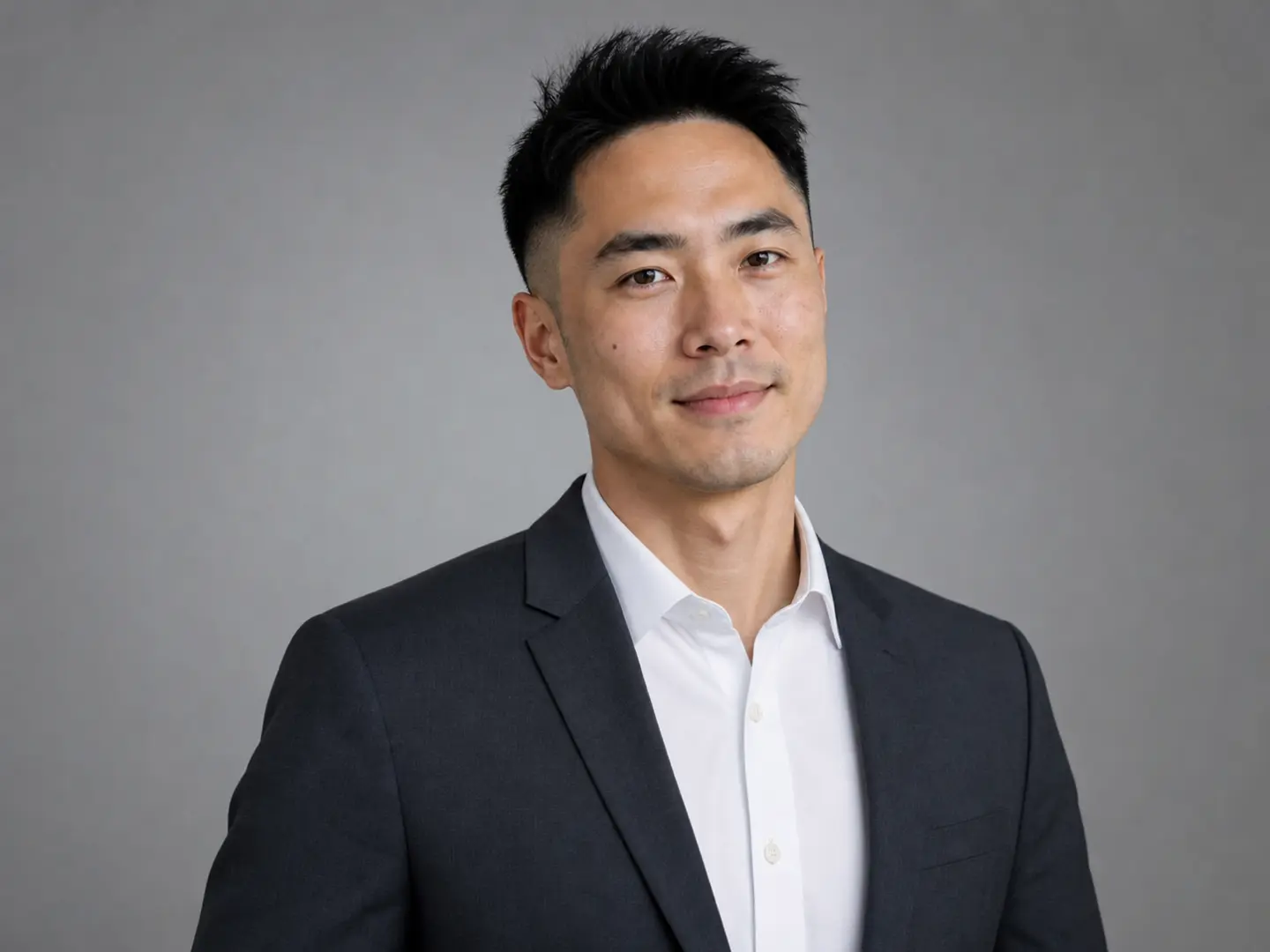
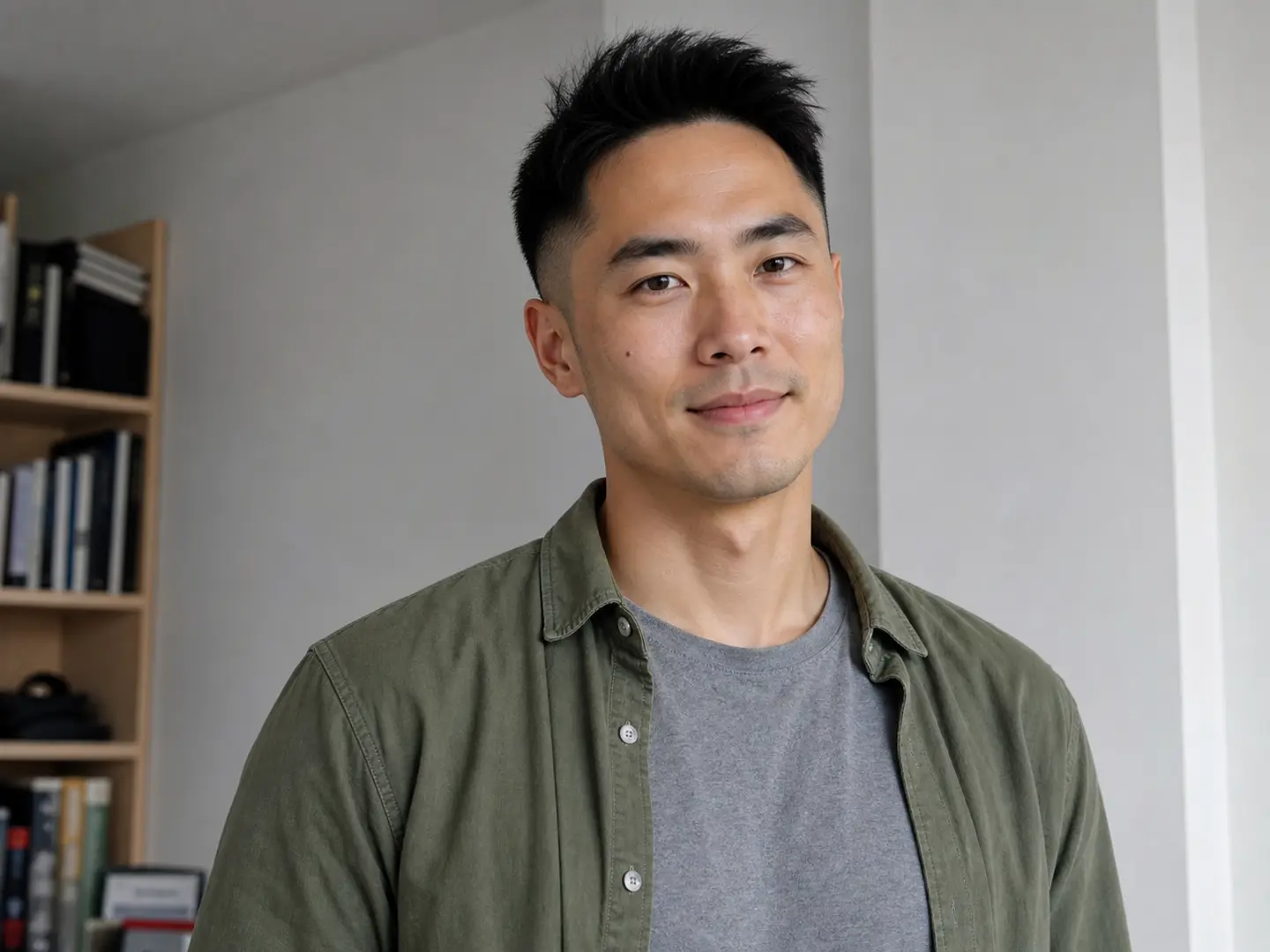
Each variation pairs a sample image with the exact prompt — copy any prompt to start.
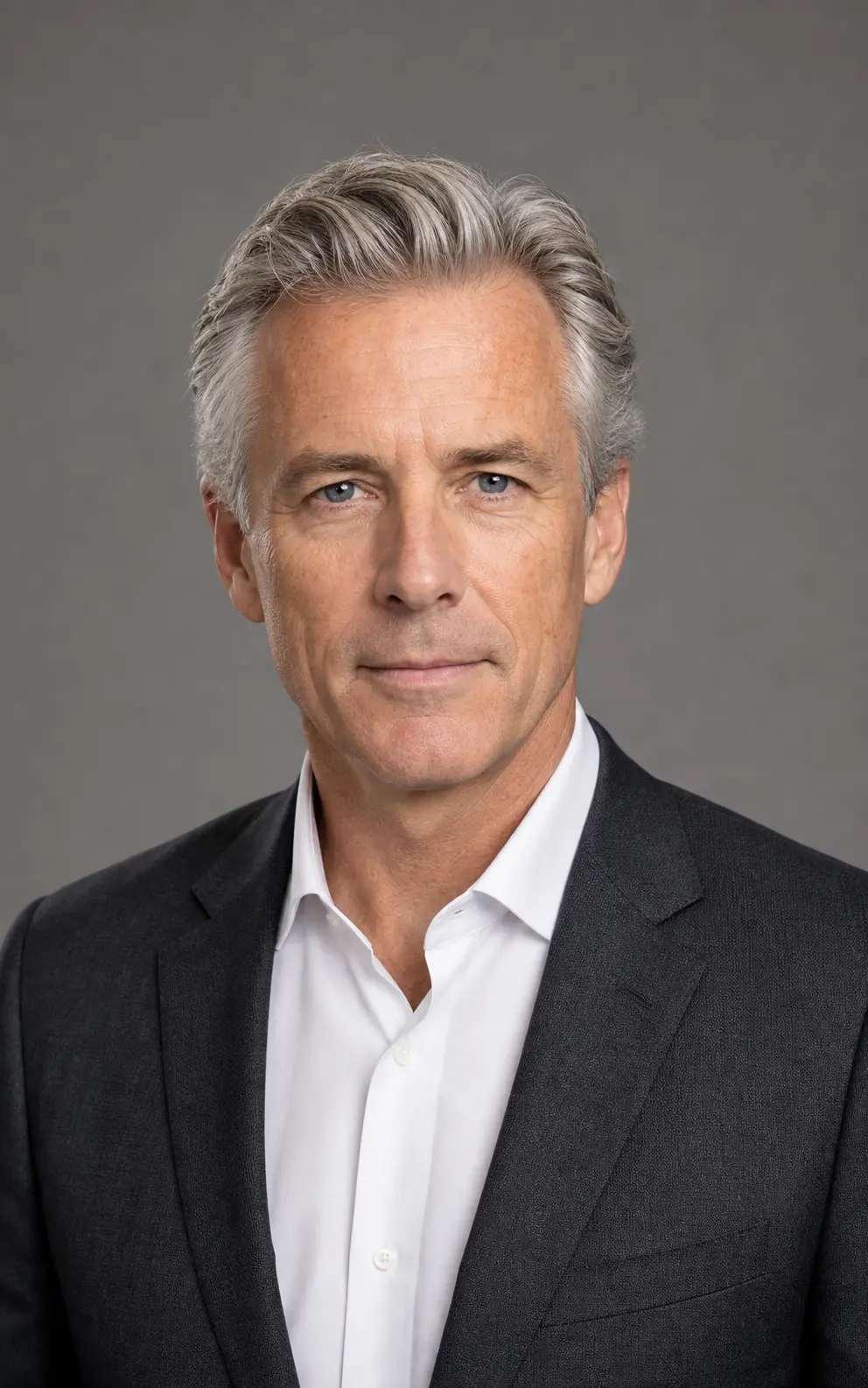
Studio-lit corporate headshot
Classic softbox lighting, neutral gray seamless backdrop, and tailored business attire — the safest pick for executive bios, board pages, and annual reports.
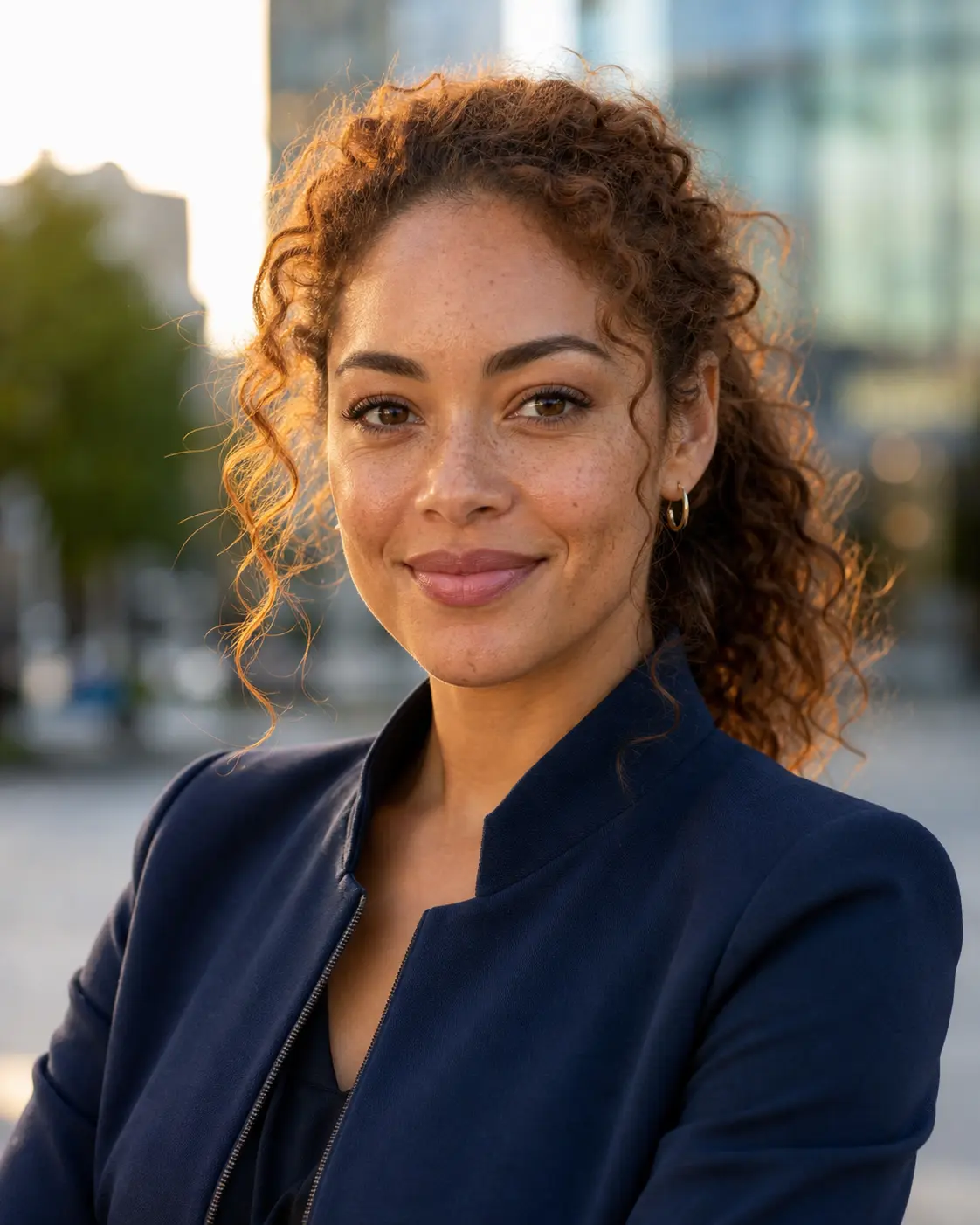
Outdoor natural-light portrait
Golden-hour side light against a softly blurred cityscape — warm and approachable for sales, creator, and consultant profiles.
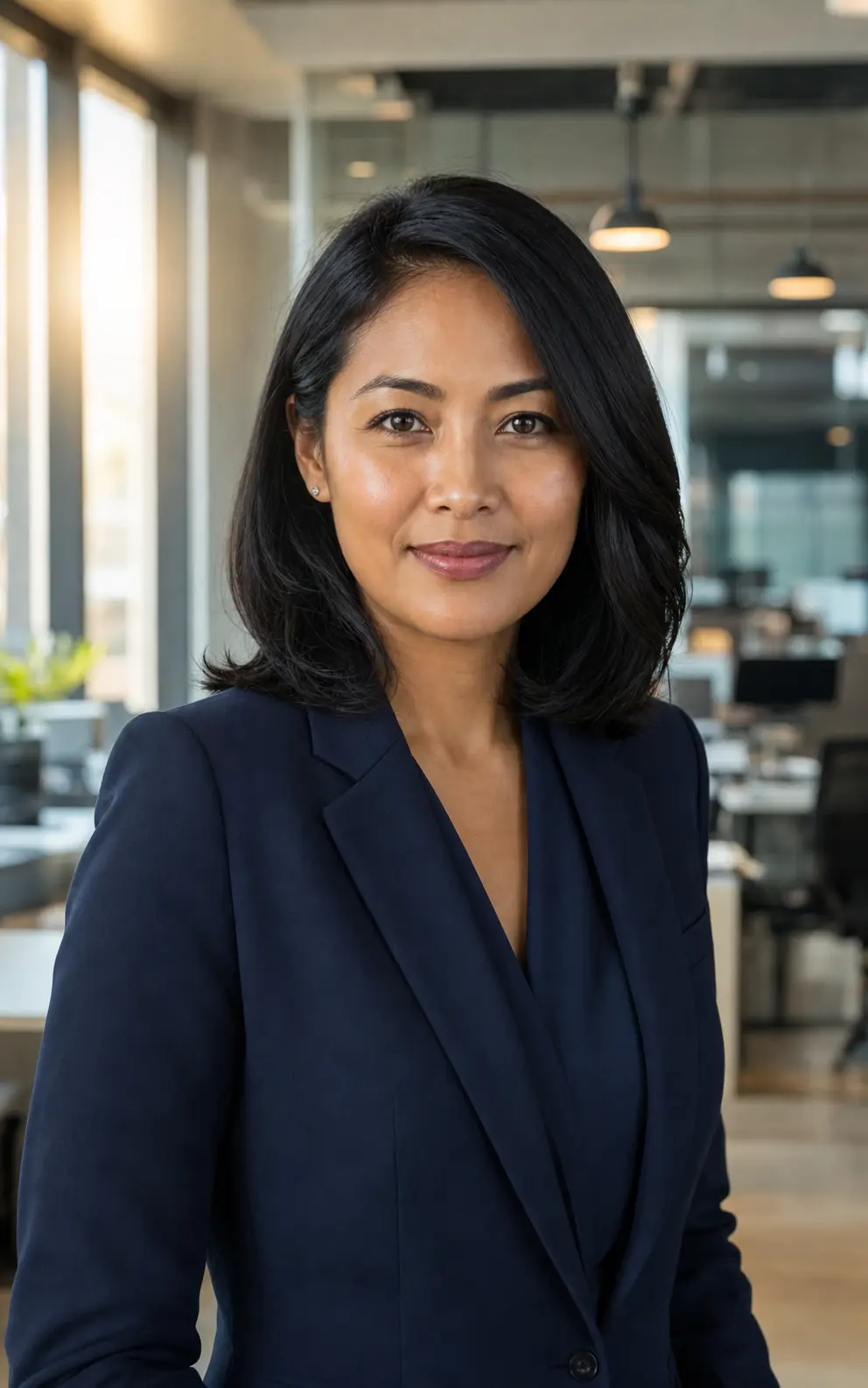
Modern office environmental
Real-office depth of field — grounded and credible for founder, startup, and press-interview headshots.
LinkedIn headshot prompt ideas
Stick with the default for a tuned all-rounder, or copy a variant matched to your industry and setting — studio neutral, modern office, outdoor natural light, or executive suit.
Studio Neutral Headshot
Convert the uploaded portrait into a polished LinkedIn headshot against a soft neutral studio backdrop. Preserve the person's identity, face shape, brow line, and natural skin texture. Add gentle three-point studio lighting with a soft key from the left, a confident relaxed expression, and a tailored neutral-tone blazer or business shirt. Frame chest-up and centered, sharp focus on the eyes, clean negative space around the head. No text, no logos, no over-retouched skin.
Modern Office Backdrop
Rebuild the uploaded portrait as a LinkedIn-ready headshot set against a softly blurred modern office background — bookshelves, glass partitions, or warm interior lighting suggested behind the subject. Keep the face, expression, and identity intact. Dress the subject in business-casual attire (open-collar shirt or knit blazer), use natural window-style lighting with a subtle catchlight in the eyes, and frame chest-up with sharp focus. Avoid heavy retouching and any visible brand logos.
Outdoor Natural Light
Generate a LinkedIn-grade headshot of the uploaded subject in a softly out-of-focus outdoor environment — leafy park, warm urban architecture, or late-afternoon sunlight. Preserve facial identity and natural skin tone. Use directional natural light with subtle catchlights, a relaxed approachable expression, and smart-casual wardrobe (button-up shirt, neutral knit, or light jacket). Frame chest-up with sharp focus and clean composition. No filters, no over-saturation.
Executive Suit Portrait
Transform the uploaded photo into an executive-tier LinkedIn portrait. Subject in a well-tailored dark suit with crisp shirt, framed chest-up against a deep neutral backdrop (charcoal, navy, or muted slate). Preserve identity and authentic skin texture. Apply soft directional studio lighting with a subtle rim light separating subject from background, a confident composed expression, and a sharp catchlight in the eyes. Premium editorial finish, no over-smoothed skin, no text.
Recommended Somniia models
GPT Image 2
GPT Image 2 takes a long brief and gives back a finished image with the type set right, the references locked, and the world it depicts true to life — what diffusion-only models still get wrong.
Nano Banana 2
Nano Banana 2 keeps the speed of the base model but adds a quality dial — preview at 1K, sign off at 2K, ship at 4K. The detail in faces, hands, and material textures survives the upscale.
Related styles
AI Glow Up Filter — Natural Beauty Portrait
Upload a portrait or selfie and the AI Glow Up filter gently lifts skin, eyes, lighting, and overall energy — same person, but as if a professional photographer reshot you. Identity preserved, ready for avatars, IG content, and personal brand pages.
Black and White Portrait Generator — AI Monochrome Filter
Upload a portrait and Somniia outputs a classic black and white image with bright catchlights, deep tonal range, and clean editorial composition — perfect for author bios, artist features, album covers, and brand bio pages.
Fashion Collage Generator — AI Editorial Collage
Turn photos into editorial fashion collages — layered outfits, magazine-grade composition, clean negative space. Drop straight into brand moodboards, lookbook concepts, seasonal campaigns, and creative proposal visuals.